Why a Park’s Website Shows a Security Warning
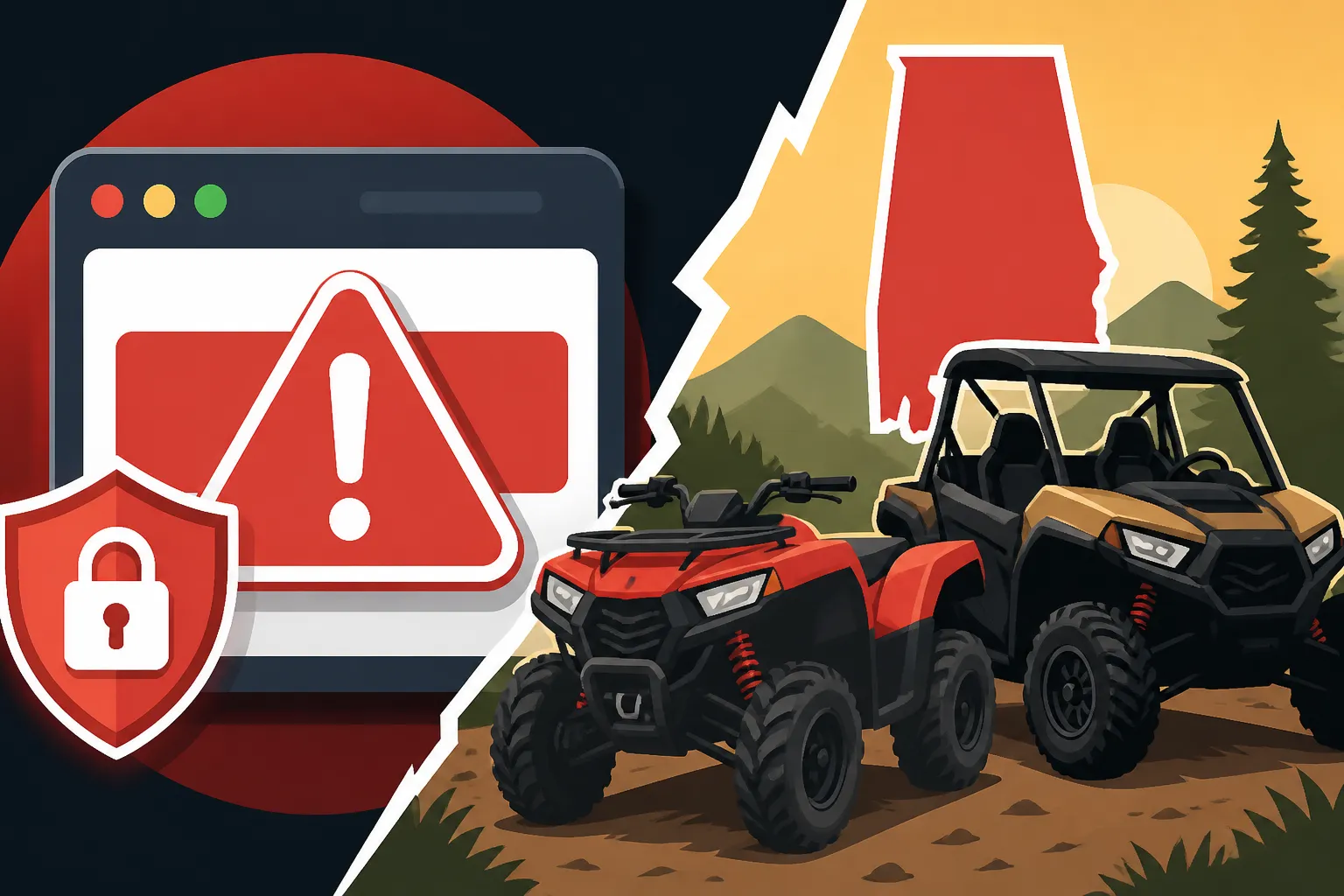
A security warning on an Alabama ATV park’s website can be alarming, especially when you are trying to confirm trail access, hours, or a campsite before loading the trailer. The warning does not automatically mean the park is unsafe or closed. This guide explains what the message may mean, how to check the site carefully, and how to verify riding plans another way.
What a security warning on a park website means
A browser warning is about the connection, not necessarily the park
A browser security warning is a message that something about the connection or webpage could not be confirmed. Depending on the warning, your browser may be unable to verify the site’s security certificate, may have detected a possible risk, or may be blocking a page that appears suspicious. The wording matters: “Your connection is not private” is not the same message as “This site may contain malware.”
That distinction can be hard to make when you are looking at a phone screen in a parking lot or trying to organize a weekend ride. A warning may appear because of an expired or incorrectly configured certificate, a misdirected link, an issue with the device’s date and time, or a genuine security concern. The warning alone usually does not tell you which explanation is correct.
It also does not, by itself, tell you whether a park is open, whether its trails are rideable, or whether the park’s business is legitimate. A website can have a technical problem while the park continues to operate. Conversely, a normal-looking website is not proof that every posted detail is accurate. Treat the warning as a reason to pause and verify, rather than as a final verdict.
Common warning types and what to do first
Some alerts are cautionary. For example, a browser may say the connection is not private or that the certificate cannot be verified. Other alerts are stronger and may state that the page is deceptive, dangerous, or known for harmful downloads. Read the full message instead of tapping through automatically. If the browser explicitly identifies the page as deceptive or unsafe, do not proceed to enter information or download anything.
A certificate warning can sometimes result from a problem on the website itself, but your own device or connection can also contribute. Check that your phone or computer has the correct date and time, close the tab, and try the official address again by typing it yourself. If you are using public Wi-Fi, switch to a trusted connection and see whether the message changes. These checks do not prove the page is safe; they simply help rule out common connection problems.
| What you see | A reasonable first step | Avoid doing this |
|---|---|---|
| Connection or certificate warning | Check device date and time, then re-enter the official address | Entering payment or login details just to continue |
| Browser says the page is deceptive or dangerous | Close the page and verify through a separate contact method | Clicking through or downloading a file |
| Website will not load | Try another connection and look for an official phone number or social account | Assuming the park is closed based only on the error |
| Unexpected payment or login page | Stop and confirm the address and payment process with the park | Reusing a password or submitting card details |
If you are unsure what the alert means, take a screenshot and seek help from someone who can read the exact wording. You can also check the browser’s help information for that specific alert. Avoid searching for a “fix” and then installing a random app or certificate file; that can create a bigger security problem than the original warning.
Why HTTPS alone is not a complete safety check
You may notice a padlock icon or an address beginning with “https.” That indicates an encrypted connection between your browser and a website, but it does not prove that the site belongs to the park you intend to contact. A misleading page can also use an encrypted connection. Check the spelling of the domain and compare it with the address listed on a trusted park document, official social media account, or other reliable reference.
Be especially cautious when a link arrives in an unexpected text message or email. A message might claim that your reservation needs urgent confirmation, that a refund is waiting, or that a payment failed. Instead of using the link, independently look up the park’s contact information and ask whether the message is genuine. That extra step can feel inconvenient when you are eager to get a booking sorted, but it is much safer than handing details to an unknown page.
For riding areas such as Stony Lonesome OHV Park or Minooka Park, a technical warning should prompt you to verify the source and the information you need. It should not lead you to guess at hours, trail conditions, or access rules. If you are researching places to ride, [Alabama ATV Trails: Where to Ride] and [Alabama Private Off-Road Parks] can help you organize your options, but confirm operational details directly before making the trip.
How to check whether you are on the park’s real website
Start with the exact web address
Look closely at the address bar. A misspelled park name, extra words, unusual endings, or a domain that differs from the one you expected can be a sign that you have reached an unrelated page. Be wary of search advertisements or social posts that use a park’s name but link to a different address. Search results can be useful, but the first result is not automatically the park’s official site.
If you have visited the park before, compare the address with a saved bookmark or an old confirmation email you already trust. Do not rely on a link from a new message that claims to be about an existing booking. If there is no trusted address to compare, look for consistent contact details across independent, established sources. A matching business name alone is not enough; check the phone number, location, and other identifying information as well.
This matters for smaller riding areas, where an old web address, an unofficial listing, or a social account may continue circulating after information has changed. A page that looks polished can still be inaccurate, and a plain-looking page can still be legitimate. Focus on whether the address and contact details can be independently matched—not whether the design looks professional.
Verify contact details independently
When the website is inaccessible, use a phone number or contact channel found somewhere other than the page that triggered the warning. You might check a prior receipt, a park-issued document, an established social media account, or a local government or county parks listing where relevant. If the contact information appears in multiple places, compare it rather than assuming every listing is current.
When you call, ask specific questions that affect your trip: Is the park operating on the day you plan to arrive? Are the trails open to your type of machine? Are there closures, weather-related restrictions, or reservation requirements? What payment methods are accepted? If you are bringing a side-by-side, ask about machine restrictions, passenger rules, and any required equipment. A helpful conversation can fill gaps a website cannot, but make a note of who you spoke with and what they told you.
For a park near Bremen, Jemison, Cullman, or another Alabama community, confirm the actual destination and entrance before towing. A search result may show a general area, a mailing address, or an outdated location rather than the gate you need. If two listings show different addresses, ask the park which one leads to the entrance. This is particularly useful when you are hauling a trailer and cannot easily turn around on a narrow rural road.
Treat booking and payment requests with care
A security warning is a strong reason not to enter card details, passwords, or personal information on the page until you have independently verified it. Be careful if a site asks you to pay through an unusual method, such as a gift card, a wire transfer, or a payment link sent in an unsolicited message. Those requests do not prove fraud in every circumstance, but they deserve direct confirmation before you act.
If you have already entered payment details, contact your card issuer or payment provider using the number or app you normally use. Explain what happened and ask what steps are appropriate for that account. If you reused a password on the page, change it on any other service where you used the same one, starting with email and financial accounts. Do not use a password-reset link from the suspicious page itself.
Before paying for a ride or campsite, confirm what the charge covers and whether you are dealing with the park or a third-party booking service. Ask about the cancellation and weather policies directly. If you are comparing admission or camping options, [Alabama Park Admission Fees] and [Alabama Park Camping Fees] are useful topics to review, but a website warning means you should verify the actual terms with the park before submitting payment.
How to plan a ride when the website will not load
Separate essential trip details from nice-to-have details
A broken website can leave you with a long list of unanswered questions. Sort them by importance. Before towing, you need to know that the destination is open to visitors, that your machine is allowed, that you can legally access the trails, and that you understand the park’s entry process. Details such as food options, nearby attractions, or preferred trail loops can wait until the basics are confirmed.
A simple call checklist can keep the conversation focused:
- Confirm the park’s name, location, and entrance.
- Ask whether it will be open on your intended visit date.
- Check trail access for your ATV or side-by-side.
- Ask about reservations, waivers, fees, and payment methods.
- Confirm current closures or weather-related limits.
- Ask what safety gear and documents riders should bring.
Write down the answers instead of relying on memory, especially if you are coordinating several machines or families. If the person answering cannot confirm a detail, ask where you can get a reliable answer or when to call back. A clear “I need to check” is more useful than a confident guess.
Use maps for orientation, not as permission to ride
A mapping app can help you understand where a park is, plan the route, or see nearby roads and services. onX Offroad can be useful for trip planning and understanding mapped off-road routes, but a map is not a substitute for the park’s current rules or permission to ride. Do not assume a line shown on a map is open to the public, maintained, or approved for your particular machine.
That distinction matters around Alabama’s forests, private timberland, hunting areas, and rural roads. A route that appears connected to a trail may cross land with restricted access or may be closed during a particular season. Check the land manager’s instructions and posted signs, and ask the park or relevant authority when access is unclear. For federal land, use the appropriate official maps and verify which routes are designated for motorized use.
The same caution applies when using a route to get to a park. Navigation apps can send vehicles onto narrow roads or routes unsuitable for a truck and trailer. Confirm the gate location with the park and consider the size of your tow vehicle, trailer, and machine. For broader planning, [Alabama Trail Conditions Before You Tow] and [Alabama Trail Closures After Rain] can help you think through the practical checks that matter before leaving home.
Have a backup plan for access and trail conditions
A website being unavailable does not mean you should automatically cancel, but arriving without confirmation can waste a whole day. If you cannot reach the park, consider postponing until you can verify it, especially if the trip involves a long tow, an overnight stay, or a group. A short drive across town is one thing; hauling a loaded trailer from another part of Alabama is another.
Check the forecast and ask about how recent rain affects the trails. Red clay can become slippery and rutted, while wet conditions may lead a park to close certain sections or restrict traffic. Do not assume that an area is open simply because a map or old post shows a route. Ask whether the park’s current conditions match your machine and experience level, and whether there are any rules about winches, tires, or vehicle width.
If the park cannot be reached and you choose another destination, do not treat that as permission to ride on nearby private land or forest roads. A trailhead, power-line cut, or dirt track is not automatically public access. [Alabama Trail Etiquette Locals Expect] and [What Counts as a Designated Public Area in Alabama] are relevant reminders that access rules and considerate riding matter just as much as finding a route.
What to do if you already used the website
If you only opened the page
Simply opening a page does not mean your device has been compromised. If you saw a warning and closed the tab without entering information, downloading a file, or granting unusual permissions, there may be nothing more to do. Keep your browser and device updated through their normal settings, and avoid installing a “security cleaner” or extension promoted by an unfamiliar pop-up.
If you were redirected to another page, close it rather than trying to navigate through the warning. Be alert for follow-up messages that claim your device is infected or that you must call a support number immediately. Scare messages can be designed to make people act without thinking. Use the device’s built-in security settings or trusted support channels if you are concerned.
If you entered information or downloaded something
The next steps depend on what you shared. If you entered a password, change it through the legitimate service’s official app or by typing its known address yourself. If you entered payment information, contact the card issuer or payment provider promptly through its usual channel. If you shared personal details, be cautious about unexpected calls, emails, and texts that use those details to sound convincing.
If you downloaded a file, do not open it. Remove it using your device’s normal file-management tools and run a security scan with software you already trust. If you installed an app, browser extension, or configuration profile, review what was added and seek help from a trusted technician if you are unsure how to remove it safely. Avoid following instructions supplied by the suspicious page.
Report the problem without spreading the risky link
If you believe a park’s legitimate website has been compromised or is misdirecting visitors, notify the park through an independently verified contact method. Share the exact address, the warning message, and what happened, but do not post a suspicious link as though it were safe. A screenshot can help the park understand the issue without encouraging others to open the page.
If other riders rely on the site for reservations or access details, a brief factual warning in a local riding group can be useful: explain that your browser displayed a security alert and that you are checking with the park. Avoid claiming that the park is a scam or closed unless you have reliable confirmation. The distinction protects other riders while avoiding unnecessary harm to a legitimate local business.
A practical checklist before you leave for an Alabama riding area
Confirm the place, access, and machine rules
Before setting out, verify the park’s operating status and exact entrance through a contact method you trust. Confirm that your machine is allowed and ask about any width, passenger, age, helmet, or equipment requirements. A side-by-side and a youth quad may be subject to different park rules, so describe the machine clearly rather than asking only whether “ATVs” are allowed.
Ask whether you need a reservation, signed waiver, proof of ownership, or any other documents. Rules vary by riding area, and a state registration record does not necessarily replace a park’s admission process or its own policies. For more context, review [Alabama Private Park Waivers and Rules] and [Alabama Trail Difficulty Ratings], then confirm the park’s specific instructions directly.
Keep important details available offline
Save the park’s verified phone number, address, confirmation details, and directions before you lose cell service. A paper note can be helpful if your phone battery runs down or you reach an area with poor coverage. If you are traveling with a group, share the verified location and arrival plan with everyone rather than relying on one person’s browser history.
If you use onX Offroad or another map app, download or save the information you need while you have a reliable connection. Keep in mind that offline map access is a navigation aid, not proof that a route is open. Carry a backup route plan and follow posted signs and park instructions once you arrive.
Finally, do not let a website problem push you into a rushed decision. If no one can verify the park’s status, payment process, or access rules, wait until you can get a trustworthy answer. A postponed ride is frustrating, especially when the trailer is packed, but it is usually better than arriving at a closed gate or sharing sensitive information with an unverified page.
Disclaimer
This article is for general informational purposes only and does not constitute professional advice. Laws, prices and regulations vary by location and change over time. Consult a qualified professional for guidance on your specific situation.