Pulling a WMA Permit on Your Phone
A phone can make it easier to get a permit before riding on an Alabama Wildlife Management Area, but a permit is not a pass to ride anywhere on the tract. The permit type, check-in process and machine-access rules can vary by area. Here’s how to prepare on your phone and confirm that the permit actually fits your ride.
What a WMA permit does and does not authorize
An Alabama WMA permit is part of the access requirements for a Wildlife Management Area. It is not the same thing as a trail pass for a private OHV park, and having one does not automatically allow you to ride an ATV or UTV on every road or trail in the area.
That distinction matters because WMAs are managed for wildlife and public use under area-specific rules. A tract may allow vehicles only on certain open roads, restrict access during some seasons, or require users to follow additional check-in instructions. Some roads may be closed to motorized use even if they appear on a general map. The posted rules and current information for the particular area are what count.
A permit also does not necessarily replace a hunting license or another required credential. Your requirements may depend on whether you are hunting, simply riding, your age, and the rules for that WMA. Before starting an application, review Alabama WMA Permits for Riders and [Alabama WMA License Requirements]. If your trip includes hunting, confirm the hunting-license requirements separately.
Keep these points in mind:
- A WMA permit addresses access requirements. It does not by itself establish that a particular ATV, UTV, route or riding activity is allowed.
- An access permit is not necessarily a hunting license. Check which credentials apply to your activity and carry each one required.
- A permit for one area may not cover another. Confirm that the WMA and dates on the permit match your trip.
- A phone permit does not override closures. Temporary notices, seasonal restrictions and posted signs can still limit access.
- A general map is not always a vehicle-access map. Look for the tract’s current rules and designated routes.
For broader context on the difference between a permit and permission to use a machine, see Alabama Public Land Rules Compared to Private. If your main goal is to find a place to ride, start with Alabama ATV Trails: Where to Ride rather than assuming a WMA is open to general trail riding.
Before opening the app, check the WMA and your activity
A smoother application starts with a few details gathered in advance. The most common mistake is trying to obtain a permit before confirming the area’s access rules. A valid permit can still be the wrong preparation if the planned route is closed or the machine is not allowed.
First, identify the exact WMA, not just the nearest town or the general region. WMAs can have multiple access points and different rules across a large tract. Check the area’s current map, notices and written regulations through the relevant Alabama wildlife resources. If a rule is unclear, contact the area office or biologist before leaving home. Alabama WMA Rules Vary by Area explains why one tract’s instructions should not be applied to another.
Then check what you will be doing:
- Riding only, hunting, or combining riding and hunting
- Visiting for one day or using a permit that covers a broader period
- Entering by a designated vehicle route or leaving a vehicle at an access point
- Riding alone or with other people who may need their own permits
- Traveling during a hunting season, special event, closure or other restricted period
Do not assume that the permit holder can cover a whole group. Requirements can apply to each person, and rules for minors or passengers may differ from rules for the adult who obtained the permit. Check the area instructions for everyone who will enter the WMA. The article Which Permits to Carry on an Alabama WMA can help you make a complete document list.
It is also useful to distinguish an area permit from a daily permit. An area permit may apply to a specified management area or season, while a daily permit may be tied to a particular date or visit. The names, availability and steps can depend on the area and the current permit system. Review Alabama WMA Area Permits and Alabama WMA Daily Permits before deciding which one to obtain.
| Before you ride | What to confirm |
|---|---|
| WMA identity | The exact area and the access point you plan to use |
| Permit type | Whether you need an area permit, daily permit, or another credential |
| Activity | Whether riding, hunting, or both are covered by the requirements |
| Machine access | Which roads or routes allow motorized vehicles and which are closed |
| Dates | That the permit and the area’s access rules cover your intended visit |
| Check-in | Whether the WMA requires a check-in, check-out, or additional record |
| Current conditions | Closures, seasonal restrictions and temporary notices |
| Group | Whether each rider or visitor needs a separate permit or credential |
Before relying on an old screenshot, saved map or prior season’s instructions, check for updated information. WMA rules can be area-specific and may change with management needs. An old document can help you identify the area, but it should not be treated as proof that access is currently open.
How to pull a permit on your phone
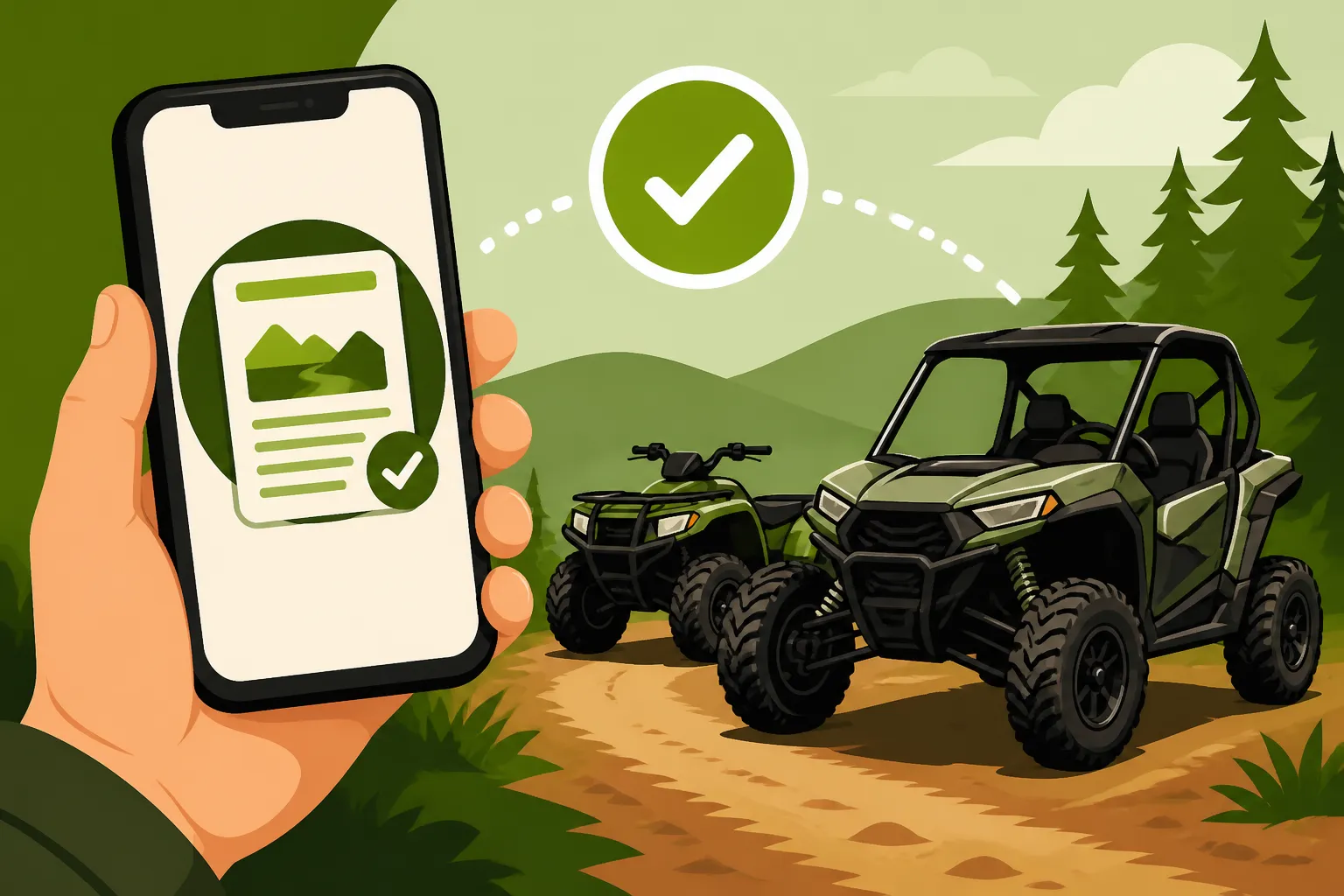
Alabama’s official wildlife resources provide mobile options for permits and related access information. The specific screens and steps can change, so follow the current instructions in the official Outdoor Alabama app or the official online service linked from Alabama wildlife authorities. Avoid relying on an unofficial listing or a third-party page as the final word on permit validity.
A practical sequence looks like this:
- Install or open the official app. Confirm that it is the Alabama wildlife agency’s official app before entering personal information. If you use a browser instead, reach the permit service through the agency’s official site.
- Sign in or create the required account. Use an email address and phone number you can access. If you already have an account, check that your personal details are current.
- Choose the correct permit or access option. Read the description rather than selecting the first item that mentions a WMA. The option needs to match your activity and the area.
- Select the exact WMA. Check the full area name carefully, especially if several tracts have similar names or are near one another.
- Enter the relevant date or visit details. Make sure the permit corresponds to the planned trip. If your plans change, review whether the permit needs to be replaced, updated or obtained again.
- Review the area rules before submitting. Look for motorized access conditions, check-in instructions, seasonal limits and any restrictions that affect your machine.
- Submit the application and wait for confirmation. Do not treat an incomplete form or a spinning screen as a completed permit.
- Save the permit and its instructions. Keep an accessible copy on your phone, and note any confirmation number or record provided.
- Prepare a backup. Save key documents or screenshots for offline viewing, and consider a printed copy if the system or area instructions make that useful.
- Check again before departure. Confirm that the WMA is open and that no updated notice changes your plans.
If the official system asks you to choose between an area permit and a daily permit, pause and verify which one applies. The steps in How to Get an Alabama WMA Permit offer a wider overview, while Pulling a Daily Permit Every Morning You Ride focuses on repeat visits where a new daily record may be needed.
Use the confirmation as evidence of the permit you obtained, not as a substitute for understanding the rules. Read the display or receipt for the area name, date, permit category and any instructions. If a detail is missing or looks wrong, resolve it before heading to the WMA. Do not assume that a successful payment or app notification means the selected permit covers every planned activity.
What if the app will not load?
A poor signal, a password problem or a system outage can turn a simple task into a frustrating one. Try to complete the permit at home or somewhere with stable internet, not at the gate or on a remote road. If you cannot access the official service, use the agency’s current instructions for another approved method. Do not count on a screenshot from a prior visit as a replacement for a required permit.
If the app is available but the WMA or permit option is missing, do not guess. Check the official area information or contact the appropriate office. An incorrect selection can leave you with a record that does not match the area or activity.
Save the permit and prepare for weak cell service
A permit on your phone is only useful if you can retrieve it when asked. Cell coverage can be limited in rural and wooded areas, and a phone battery can run down faster when it is searching for a signal or displaying maps. Prepare as if you will have no connection once you leave the highway.
Before the trip:
- Open the permit and confirmation while you still have service.
- Save or download any available permit record and area map for offline access.
- Take clear screenshots of the confirmation and important instructions, if the official system permits it.
- Keep the actual account or app record available as well; a screenshot may not replace a live record if the rules require another form of verification.
- Charge the phone fully and bring a power bank.
- Store the device in a secure, water-resistant pouch or case.
- Tell another person which WMA and access point you plan to use.
- Carry a paper copy of essential directions or map information when appropriate.
A power bank and a weather-resistant phone pouch can be practical additions; a local outdoor retailer or Amazon may carry options, but choose gear that fits the device and conditions. A mount is not a substitute for safe riding. Avoid handling or watching the phone while the machine is moving.
Do not rely exclusively on a map app that needs a live data connection. Download the relevant map ahead of time, and make sure you understand the route before entering the area. If the WMA provides a map with designated vehicle routes, use that as a key reference and follow signs on the ground. When a map and a gate sign appear to conflict, do not ride past the restriction on the assumption that the map is more current.
If the WMA requires check-in or check-out, make sure you know how to complete it without dependable service. Some processes may use a kiosk, a paper form or an online system; the procedure can vary. Review Checking In and Out of a Tract before your trip, and call ahead if the instructions are unclear.
A group should not assume that one person’s phone solves everyone’s permit requirements. Each rider should know what documentation they need and how to show it. If the group is spread out, make sure every rider knows the access point, the permitted route and what to do if someone loses service or gets separated.
On the WMA, follow the permit’s limits
Once you arrive, compare your plan with the rules at the entrance and any signs along the route. A phone permit does not make an unsigned road open to riding. Nor does it grant permission to leave a designated route, cross closed ground or use another person’s property.
Use the machine only where the area allows it. A road that is open to ordinary traffic may not necessarily be open to an ATV or UTV. Likewise, an access road can be closed to motorized vehicles during a particular season or for management work. If the information is uncertain, turn around or ask the area office rather than testing the boundary.
Keep the following distinctions clear:
- Permit versus route authorization: The permit may satisfy an entry requirement, while separate rules determine where you can ride.
- WMA road versus recreational trail: A road shown on a map is not automatically an ATV trail.
- Public access versus unrestricted access: A WMA is public land with rules, not open land where all activities are allowed.
- General instructions versus a posted restriction: A sign or closure may apply at a specific gate or location even when a broader document describes access generally.
Follow all posted safety restrictions and stay within the machine and use categories permitted for the area. Do not drive around a barrier or use a closed route because another rider appears to have done so. If a gate is closed, that is a reason to stop and verify, not an invitation to find another way through.
Respect other users, including hunters, hikers and wildlife managers. Keep speeds controlled, yield appropriately and avoid disturbing wildlife. Follow any requirements for noise, equipment, passengers and fire prevention that apply to the WMA. These rules may come from the area’s instructions or other applicable law, so check both rather than assuming that the permit covers them.
If plans change during the visit, check whether the new activity or area needs another permit. A permit for one WMA should not be assumed to carry over to a neighboring tract, and a permit for riding should not be assumed to cover hunting. For specific questions about an area’s route or entry rules, Calling a Biologist With a Question may help you identify the right contact.
If your phone dies or you cannot show the permit, stay calm and explain what happened. Having a saved confirmation or printed backup can help, but do not assume that an officer or manager can accept a substitute. Follow the instructions of the person responsible for the area and resolve any permit issue before continuing to ride.
Frequently Asked Questions
Can I get an Alabama WMA permit on my phone?
Mobile permit options are available through Alabama’s official wildlife resources, but the exact method and permit choices can depend on the WMA and the current system. Use the official Outdoor Alabama app or agency-linked service and verify the current instructions for the specific area.
Does a WMA permit mean I can ride anywhere on the area?
No. A permit does not automatically authorize ATV or UTV use on every road, trail or part of a WMA. Check designated motorized routes, closures, seasonal restrictions and posted signs before riding.
Is a WMA access permit the same as a hunting license?
Not necessarily. An access permit and a hunting license serve different purposes, and requirements depend on what you plan to do and the area’s rules. Confirm each credential separately if your trip includes hunting.
What should I do if I have no cell service at the WMA?
Get the permit and relevant instructions before leaving an area with reliable service. Save available documents and maps for offline use, bring a charged phone and power bank, and use any required paper or kiosk process described by the WMA.
Disclaimer
This article is for general informational purposes only and does not constitute professional advice. Laws, prices and regulations vary by location and change over time. Consult a qualified professional for guidance on your specific situation.